1
Roster
Best: a Google Sheet. Your coach edits a number there and the page follows within the hour.
Also works: a spreadsheet file, or the roster pasted into an email.
Number, name, grade, position. Height and weight if you want them shown.
For Ohio high school athletics
Rosters and schedules for every team at your school, from football to softball, on any phone. No app to download and no account to create.
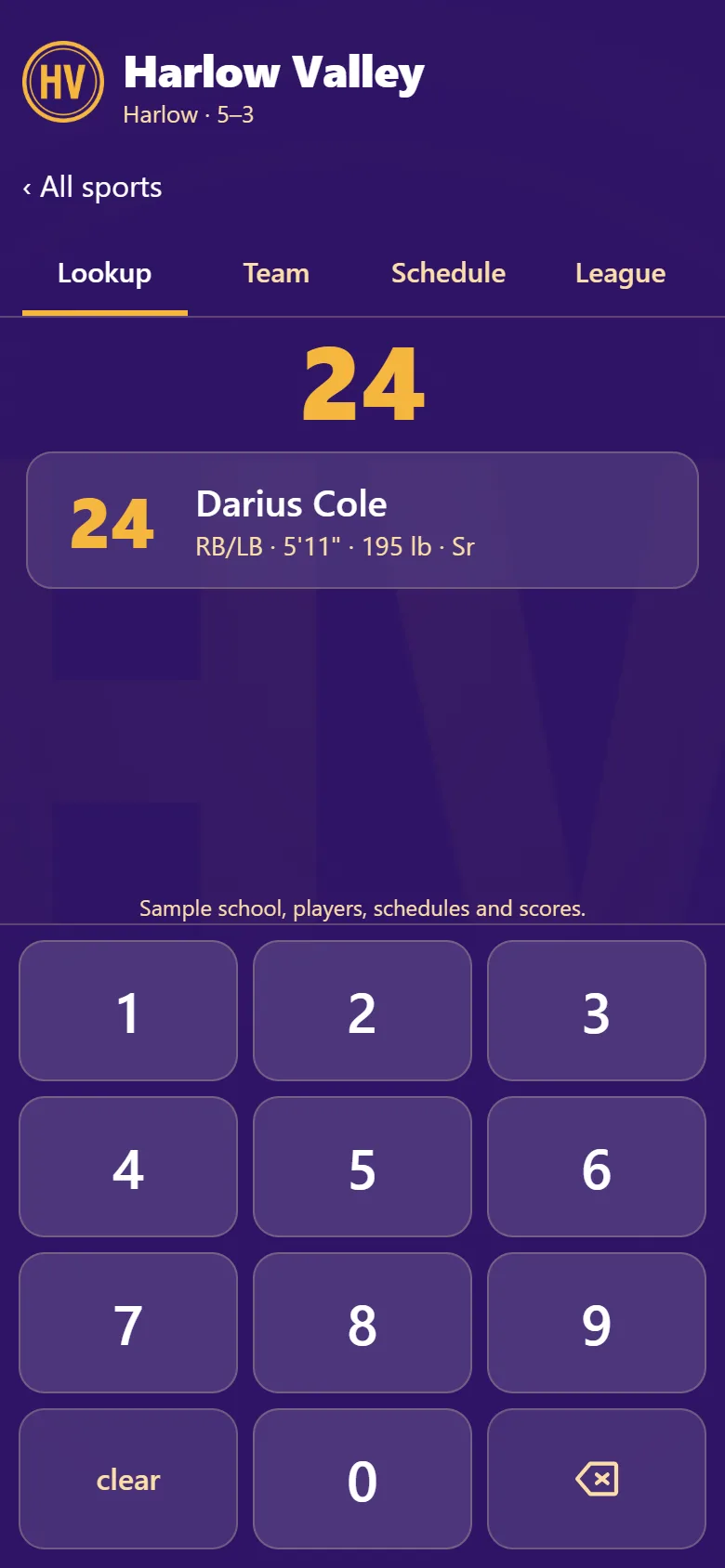
01 / See it work
Lookup
Somebody just made the play. Type the number on the jersey, and the name, position and class come up before the next snap, serve or pitch.
Team
Search by name, number or position. A football roster also narrows to offense, defense or special teams.
Every sport
Football, volleyball, soccer, basketball, baseball and the rest. Each team gets its own roster and schedule in your colors, at one address families save once.
Schedule
The next game first, with the start time and the forecast. Then what’s coming up, and every result so far.
Stats Add-on
For any sport that keeps them, from MaxPreps, Hudl or the coach’s own spreadsheet. I set up the source with your coach.
02 / What it is
Under the lights, in the gym or along the fence, the announcer, the visiting coach and half the crowd are trying to work out who just made the play. The roster exists, but it’s a PDF in someone’s inbox.
Roster puts every team at your school on one web link: fall, winter and spring, boys and girls. Families open it from a QR code or your athletics site, pick a sport, and type a jersey number to see the player.
03 / A look inside
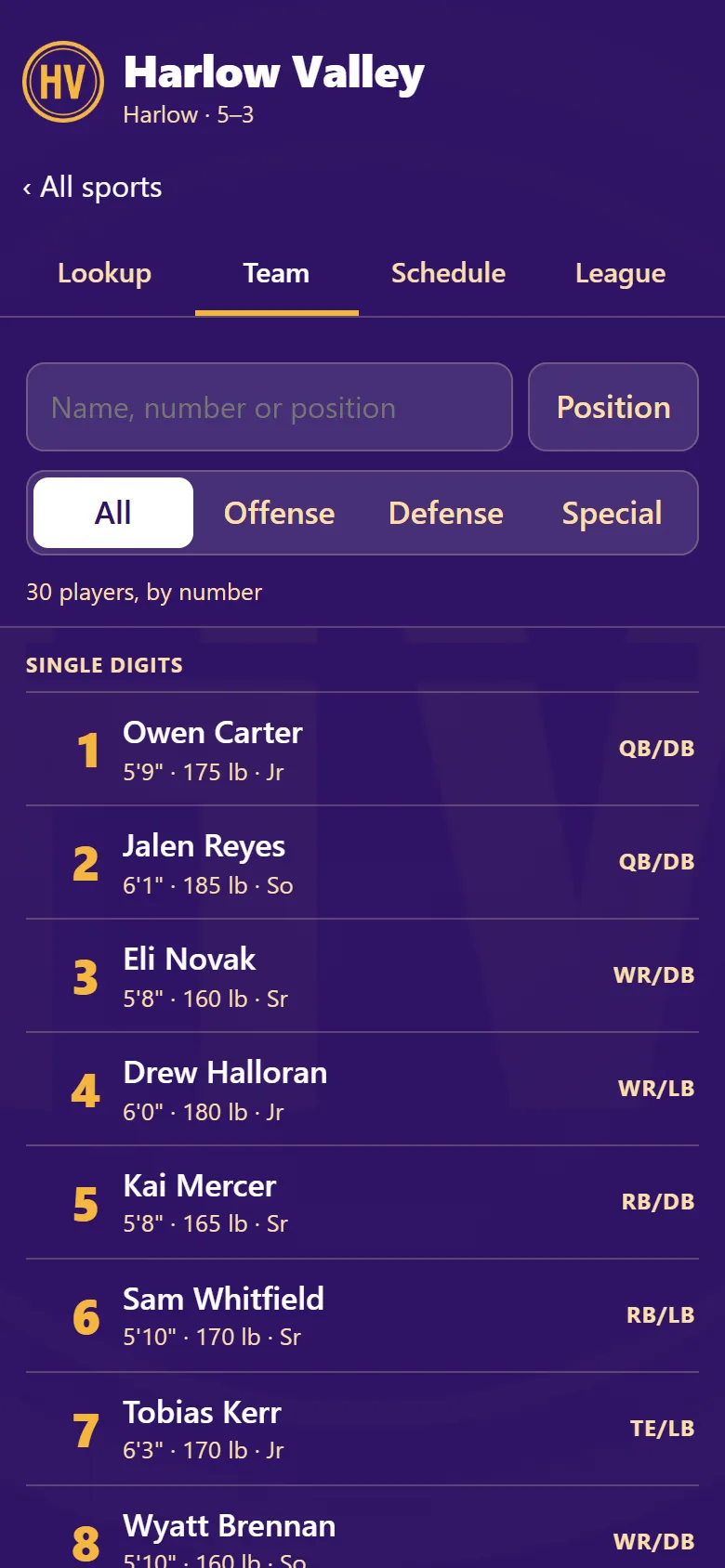
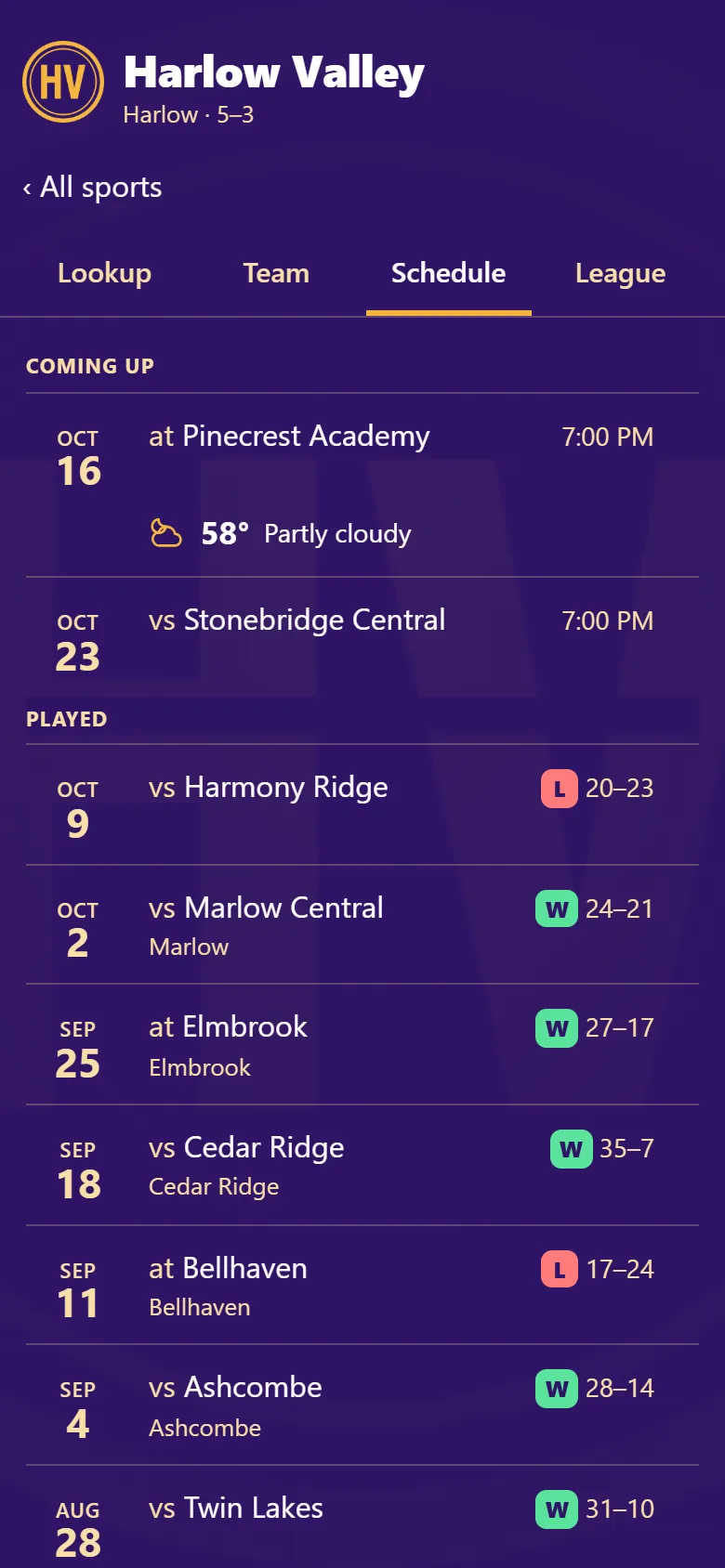
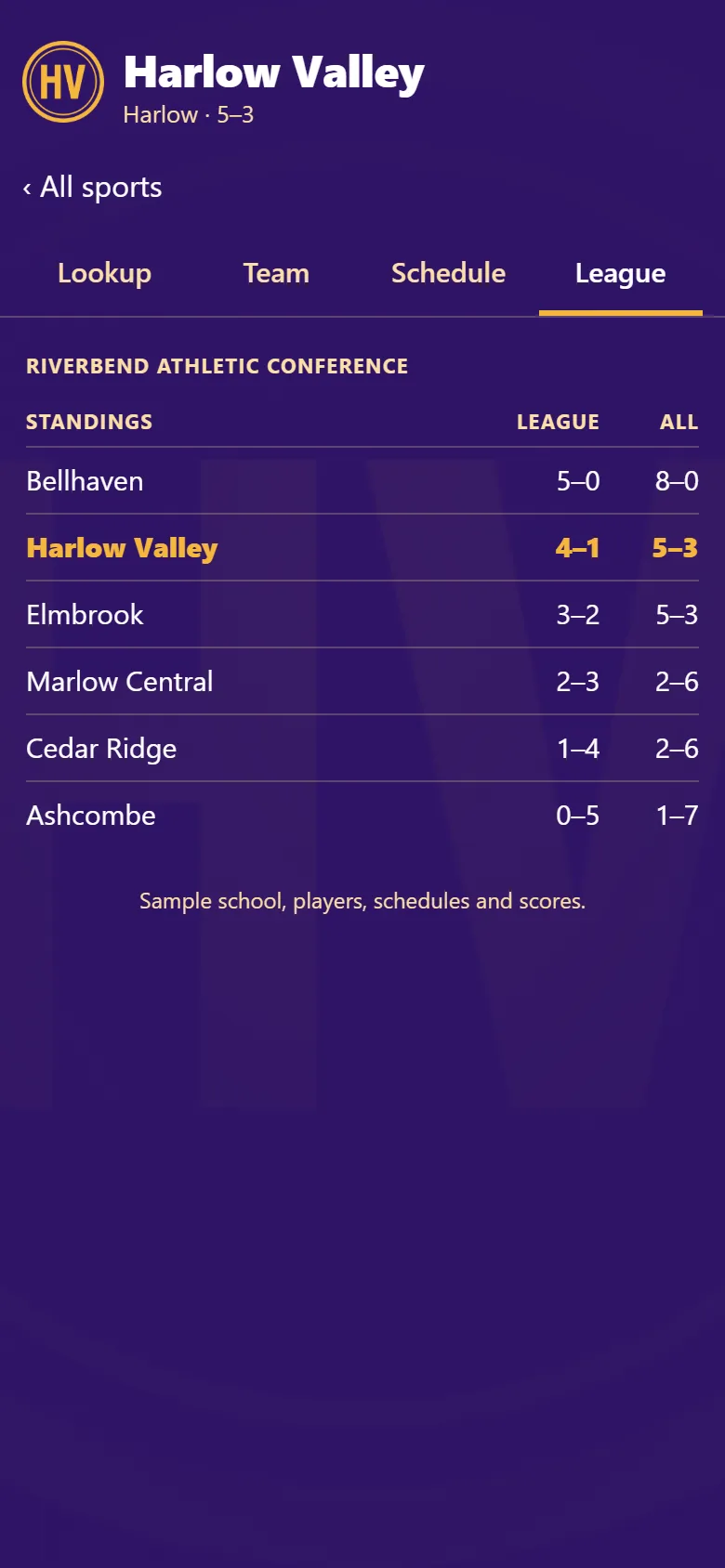
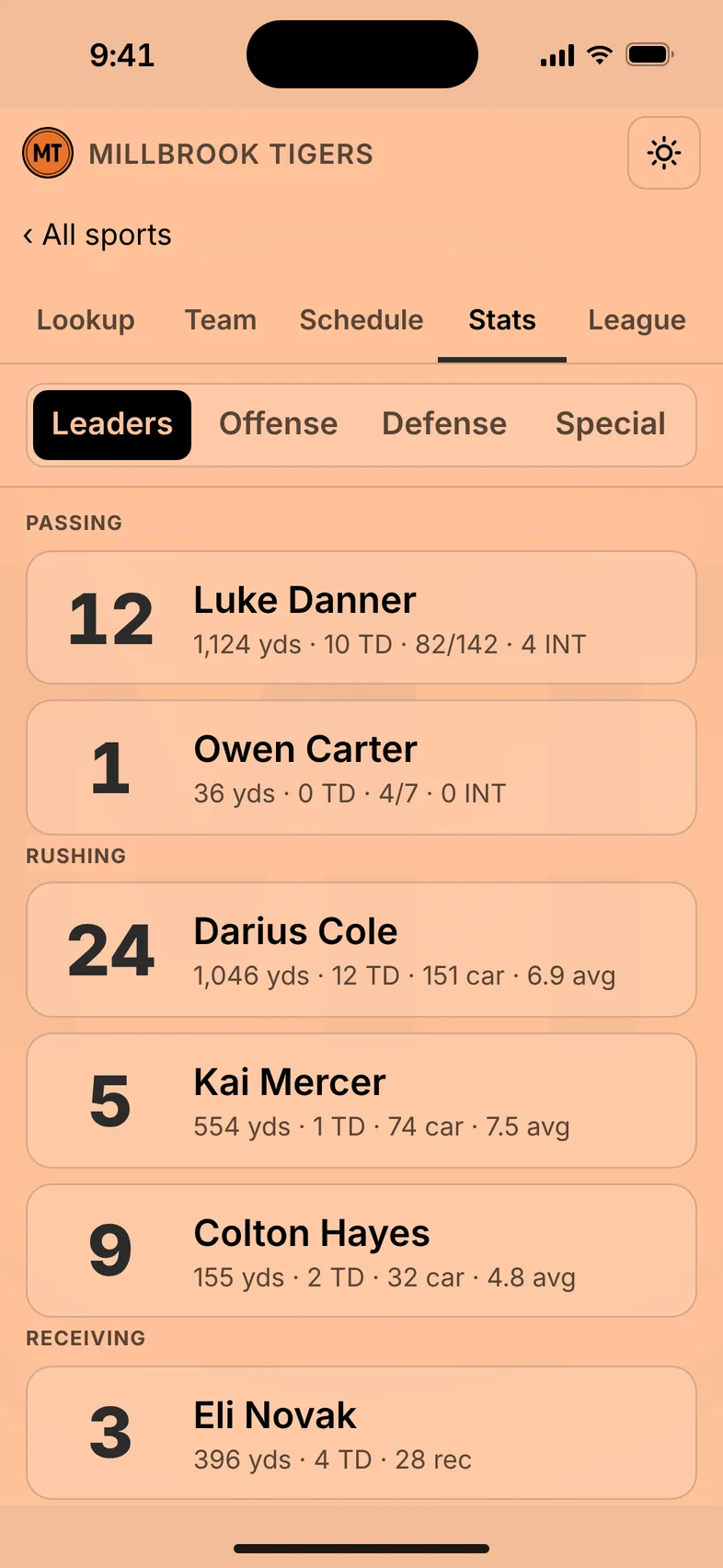
Screens show a sample school. Nobody on them is real.
04 / Your setup
Use whatever you already keep. Share it once per sport.
1
Best: a Google Sheet. Your coach edits a number there and the page follows within the hour.
Also works: a spreadsheet file, or the roster pasted into an email.
Number, name, grade, position. Height and weight if you want them shown.
2
Every sport: the calendar link from your scheduling service, or I enter the schedule for you.
Football: nothing to send. Schedules and scores for every Ohio school are already in.
Where the calendar link works, reschedules and time changes carry over on their own.
05 / Getting it to families
A half-page flyer with the QR code, sent home in backpacks or handed out at registration.
A “Roster & Scores” button on your athletics page. I send the image and the link; your web person pastes it in.
A QR sign at the ticket gate, the concession stand and the press box, so visiting fans find it too.
The QR code on the back of the program, next to the roster page it replaces.
One post or text through your parent messaging and the booster accounts before the first home game.
“Want tonight’s roster on your phone? Scan the code on the gate sign or in your program.”
iPhone: open the link in Safari, tap Share, then Add to Home Screen.
Android: open the link in Chrome, tap the menu, then Add to Home screen.
06 / What it costs
$400 / season
One varsity sport: football, volleyball, basketball or any other. Setup included.
Recommended
$1,800 / year
Every team, every season, on one school page, with QR flyers, gate signs and the website button.
Custom
Several schools or a whole conference on one invoice.
Add-on
Season leaders, every player’s line, and each player’s season on Lookup, for any sport that keeps stats. From MaxPreps, Hudl or the coach’s own spreadsheet, set up with your coach.
$150 / sport / season
or
$600 / year, every sport with stats
Try it through a season. If the press box and the bleachers don’t use it, you don’t pay for it.
07 / Launch plan
Day 1
The roster sheet and the schedule, for each sport.
Days 2–4
You and the coaches check names and numbers. I fix anything that’s off.
Game week
Flyers home, button on the website, signs at the gate.
All season
Linked rosters and calendars follow your coaches’ changes, and football scores update without a phone call.
08 / Start here
Open the demo, type a jersey number, and decide whether your bleachers would use it.
[email protected] · usually within 24 hours
Your school’s football schedule and scores are already there, free: find your school.
Roster is built and run by one person in Youngstown, Ohio. ScottForge does IT, automation and websites for small businesses in the Mahoning Valley.